Broadcast your own show — from the browser.
Six steps, no software to install. Your voice takes over the station; when you stop, rotation resumes automatically. No dead air.
The Six Steps
AUDIO BOOTHLeft menu → Broadcast.
Scroll to "Live DJ — Broadcast Your Own Show." First time only: click Set up Live DJ access — one click provisions your station's booth and your DJ login.
Click Show encoder settings to reveal your Username & Password (copy buttons are right there). You'll paste these in the studio.
Click Connect — Live Studio (browser). A new tab opens with the on-air booth. No app to install.
In the studio, paste Username + Password → Connect. When the browser asks for the microphone, click Allow.
Press Start Broadcasting. Your voice takes over the station instantly. Hit Stop to end — the music resumes automatically. NO DEAD AIR.
Prefer Broadcast Software?
ENCODER PATHPrintable Card
FOR THE BOOTH WALL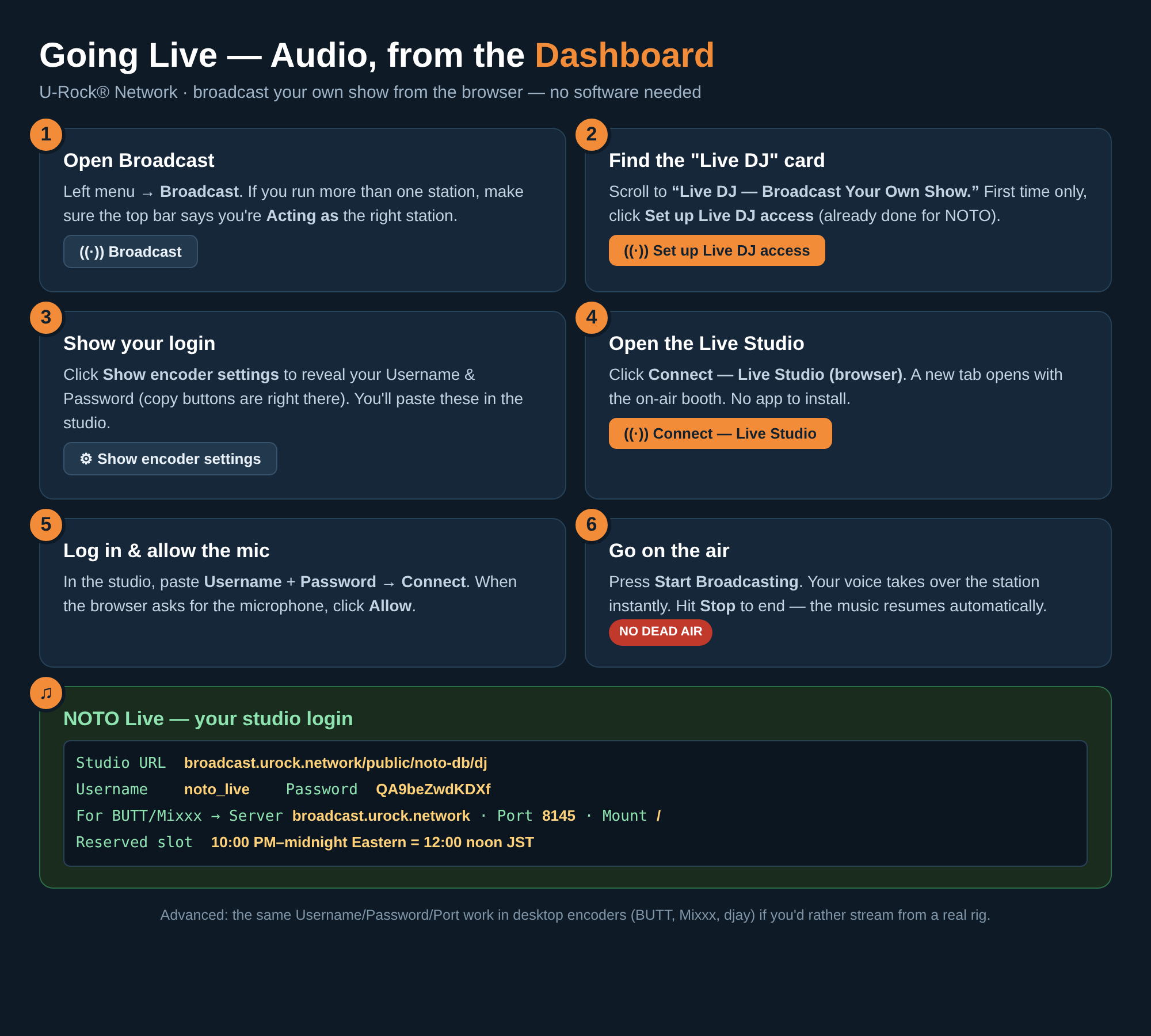
Click the card for the full-size print copy.